

How Can We Help?
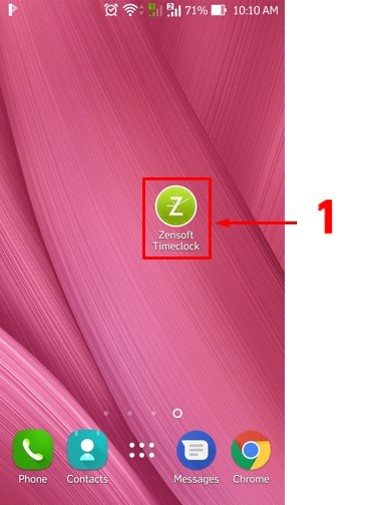
1.) Using your mobile phone, tap on the ZenSoft TimeClock Icon.
2.) Type your 5 DIGIT PIN CODE.

3.) Tap on the Clock In button.

4.) Take your photo by clicking the camera button.

5.) Click on Clock-In and you’re done.
The Retake button will let you take your photo again.
The Cancel button will cancel your clock-in.
