Back to the Support Center
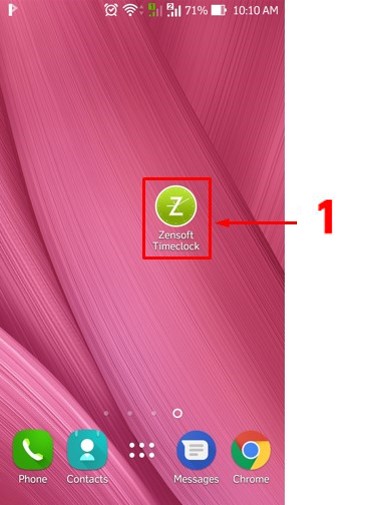
1.) Using your mobile phone, tap on the ZenSoft TimeClock Icon.
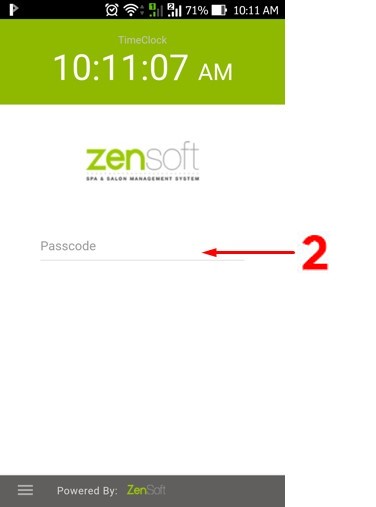
2.) Type your 5 DIGIT PIN CODE.
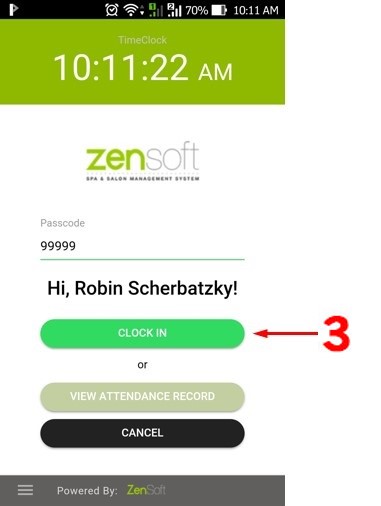
3.) Tap on the Clock In button.
4.) Take your photo by clicking the camera button.

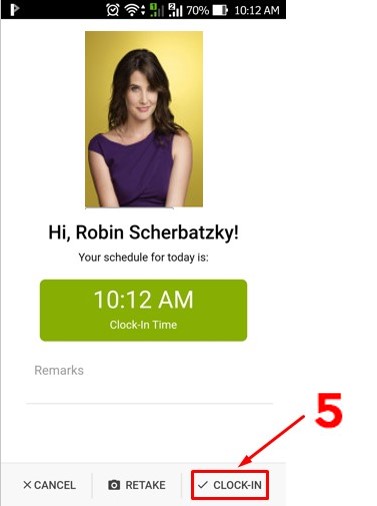
5.) Click on Clock-In and you’re done.
The Retake button will let you take your photo again.
The Cancel button will cancel your clock-in.